

Email newsletters remain one of the most effective ways to connect with your audience, build trust, and grow your business online. Whether you run a blog, an e-commerce store, or a small business website, a good email newsletter platform helps you reach subscribers directly in their inboxes without relying on social media algorithms. While social media algorithms can change overnight, email provides you a direct line to your subscribers' inboxes.
But choosing the right tool can be tricky. There are dozens of email newsletter platforms available today, each offering different features such as automation, templates, analytics, and subscriber management. Some tools can serve the beginners, while others are designed for advanced marketers and fast-growing businesses.
In this post, we reviewed and compared the best email newsletter platforms and tools, what each one does well, who it’s best used for, and the key features that matter most. By the end, you’ll have a clear idea which email newsletter tools fit your goals, budget, and skill level.
What is an Email Newsletter?
An email newsletter is a message that businesses, bloggers, or organisations send to a list of subscribers. Think of it as a digital magazine delivered straight to your inbox. The purpose of an email newsletter is to keep your audience informed, engaged, and connected with your brand.
A typical newsletter may include: new blog posts or helpful guides, product updates or feature announcements, special offers or promotions, company news and events, curated tips or industry insights. For example, a marketing blog might send a weekly newsletter with fresh articles, quick SEO tips, and recommended tools. An e-commerce store might send product launches, discount codes, or seasonal offers.
Email newsletters are effective because they create a direct line of communication with your audience. Instead of waiting for someone to visit your website or come across a social media post, your content is delivered straight to their inbox.
Email newsletters used to be simple broadcasts: write an email, send it to your list, and that was it. But things are much smarter today. Modern email newsletter platforms include features such as:
- Email automation and drip campaigns
- Audience segmentation and personalisation
- Performance analytics and reporting
- Integration with websites, social media, and e-commerce platforms
- Multi-channel messaging, like web push notifications and SMS
Thanks to these enhancements, many email newsletter platforms now serve as all-in-one email marketing solutions that enable businesses to expand their audience, nurture leads, and boost revenue.
Best Email Newsletter Platforms and Tools
If you want to grow your audience, build trust with subscribers, and turn readers into customers, email newsletters are one of the smartest tools you can use.
But the platform you choose matters more than most people think. A good email newsletter platform helps you create professional emails, manage your subscriber list, automate campaigns, and track results, all from one dashboard. The right tool can save you hours of manual work, improve email deliverability, and increase engagement with your audience.
On the other hand, choosing the wrong email newsletter platform can hinder your progress due to weak automation, limited features, or escalating costs as your subscriber list grows. To help you choose wisely, we’ve reviewed and compared some of the best email newsletter platforms and tools available today. Each option comes with its own strengths, pricing structure, and ideal use case.
Here are our top picks to power your email marketing campaigns and grow your subscriber list.
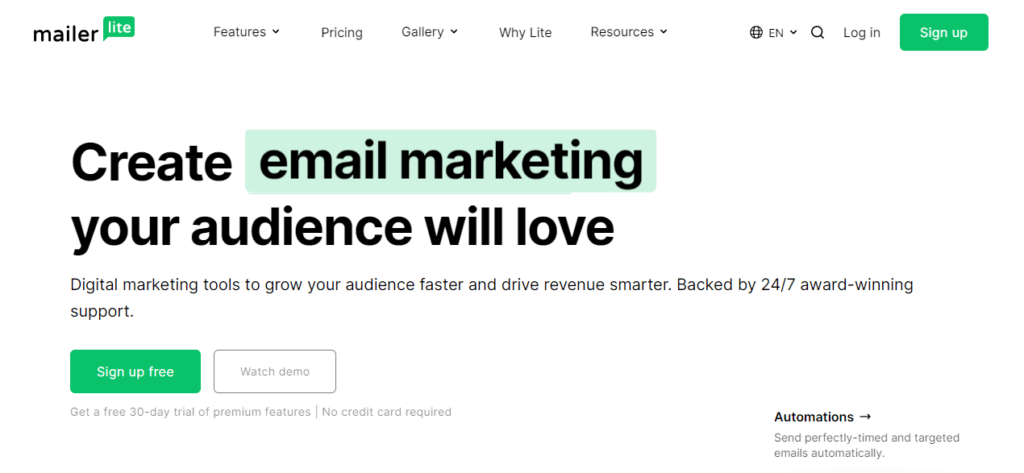
MailerLite is our top pick for email newsletter software. It stands out for its affordability, offering more value compared to competitors. It offers low-cost plans for businesses with limited subscribers and a generous free option.
Despite its affordability, MailerLite doesn't compromise on features. It provides a wide range of email marketing and automation tools, including a powerful workflow builder, a flexible drag-and-drop newsletter editor, and features for segmentation, tagging, and personalisation.
In addition to email features, MailerLite also includes a landing page and signup form builder, email verifier, e-commerce features, and an integrated website builder for building entire sites with blogging functionality.
While the drag-and-drop editor isn't as user-friendly as some competitors, it offers great flexibility. You can easily add content blocks like interactive carousels, event RSVPs, e-commerce blocks, email surveys, and more. If you prefer, you can also create HTML email templates using the rich text editor or HTML editor.
One unique feature of MailerLite is its support for paid newsletters. This means you can use MailerLite to sell digital newsletter subscriptions and collect recurring payments from subscribers. This feature works well with MailerLite's automation tools.
For example, you can automate targeted workflows to upsell paid newsletter subscriptions to regular subscribers who are likely to purchase. With MailerLite, you can create newsletters that are truly valuable and worth paying for, thanks to unique blocks like surveys and quizzes. No other email newsletter software offers this level of functionality.
Key features of MailerLite
- Low-cost plans
- Three newsletter editors
- Email verifier
- Page and form builder
- RSS to email
- E-commerce features
- Website Builder
- Blogging functionality
- Interactive newsletter blocks
- Paid newsletter subscriptions
- Automation workflow builder
Pricing
MailerLite offers a free plan that supports up to 1,000 subscribers and 12,000 monthly emails. For paid plans, pricing starts at $10 per month for unlimited monthly emails. The cost increases with the number of subscribers you have. Additionally, MailerLite offers annual discounts.
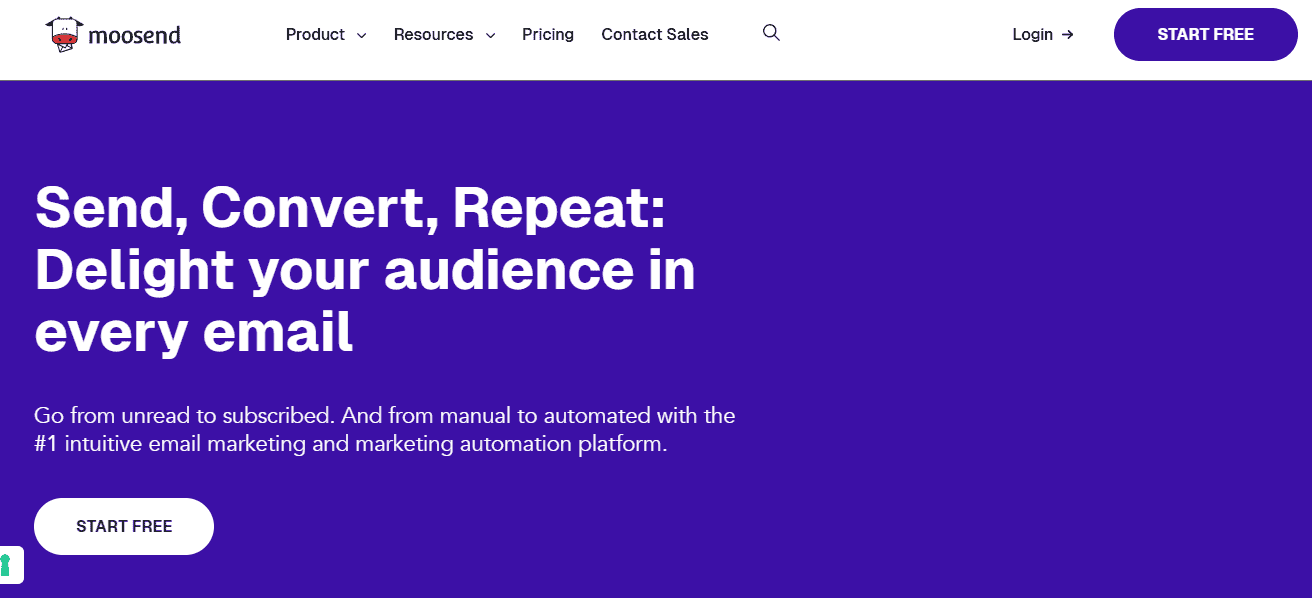
Moosend is an all-encompassing email marketing platform that simplifies managing your email campaigns. One standout feature is its scalability, allowing you to start for as low as $9 per month based on your subscriber count. Core features include a robust newsletter editor, CRM system, segmentation tools, landing page designer, automation capabilities, and analytics. The drag-and-drop editor makes creating visually appealing newsletters effortless, even for those without HTML knowledge. You can easily add images, videos, and interactive elements.
Here's how it works: Begin by dragging and dropping layouts onto the page to structure your newsletter. These layouts help break up the content into visually appealing rows and columns. Next, add items, which are essentially content blocks similar to WordPress blocks. Moosend offers blocks for images, text, buttons, social media links, timers, videos, and more.
There's even a product block for e-commerce stores that displays product recommendations with clickable buttons leading to product pages. You can further personalise your campaigns using conditional blocks to display unique content based on subscriber profiles. If you prefer not to start from scratch, you can choose from Moosend's collection of professionally designed templates and customise them to suit your needs.
Another notable feature is Moosend's AI-powered subject line generator, Refine. It assists in creating subject lines that increase open and click rates, estimates performance, and provides suggestions for improvement.
Key Features of Moosend
- Drag and drop newsletter editor
- A/B testing
- Segmentation
- Analytics & reporting
- Automation builder
- Email, automation, and page templates
- User and website tracking
- Landing pages
- Form Builder
Pricing
Moosend's pricing starts at $9 per month for up to 500 subscribers, with costs increasing as your subscriber count grows. For larger businesses, custom enterprise plans are available. Additionally, you can test out Moosend's features with a 30-day free trial.
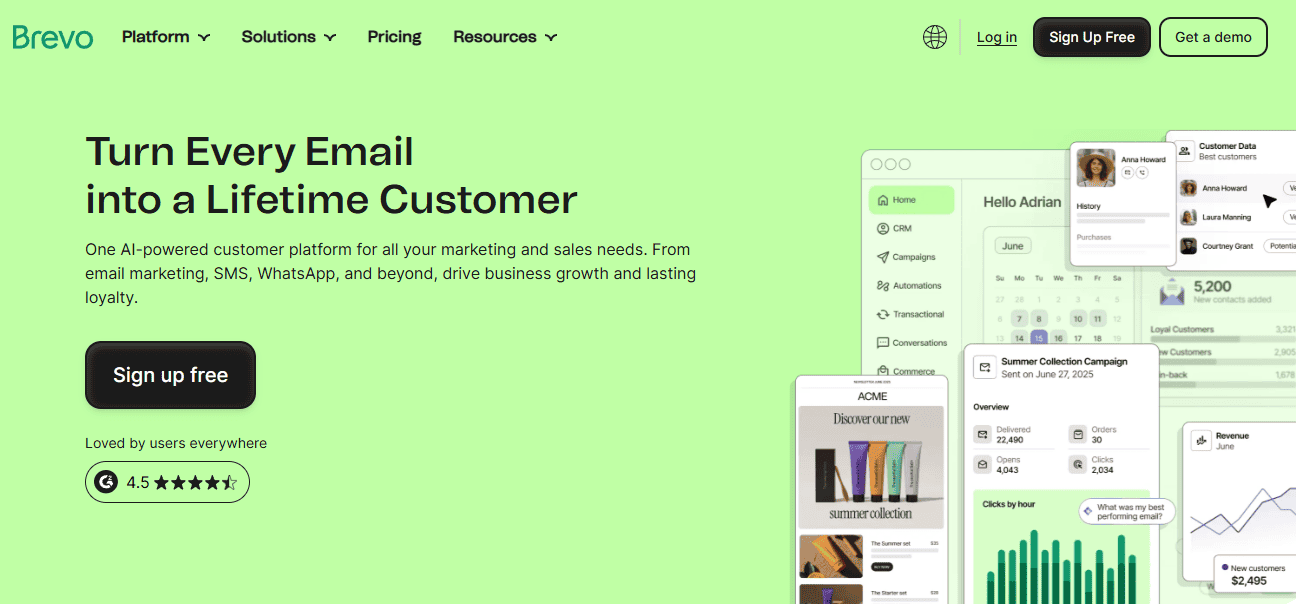
Brevo stands out as the best email newsletter software for small and medium-sized businesses (SMBs). It offers essential email marketing tools along with advanced features like automatic send-time optimisation. With Brevo, you get a comprehensive email marketing platform that includes a rich email designer, live chat tool, CRM, marketing automation, segmentation, landing pages, and a unified inbox for team organisation.
One of Brevo's standout features is its intelligent sending capabilities. For instance, you can leverage machine-learning-powered send-time optimisation to ensure your emails are sent at the optimal time for maximum opens and clicks. Brevo's pricing is based on monthly email volume rather than the size of your contact list.
While this may lead to higher costs for businesses that send a large number of emails, it can be a great value for those with a large contact list and low monthly email volume.
Key Features of Brevo
- Email marketing tool
- SMS
- Live chat
- Inbox management
- CRM
- Marketing automation
- Forms
- Landing pages
- Transactional email
- Intelligent sending
- A/B testing
Pricing
Brevo offers a free plan that allows you to send up to 300 emails per day. Paid plans start at $25 per month, but the price depends on the number of emails you need to send monthly.
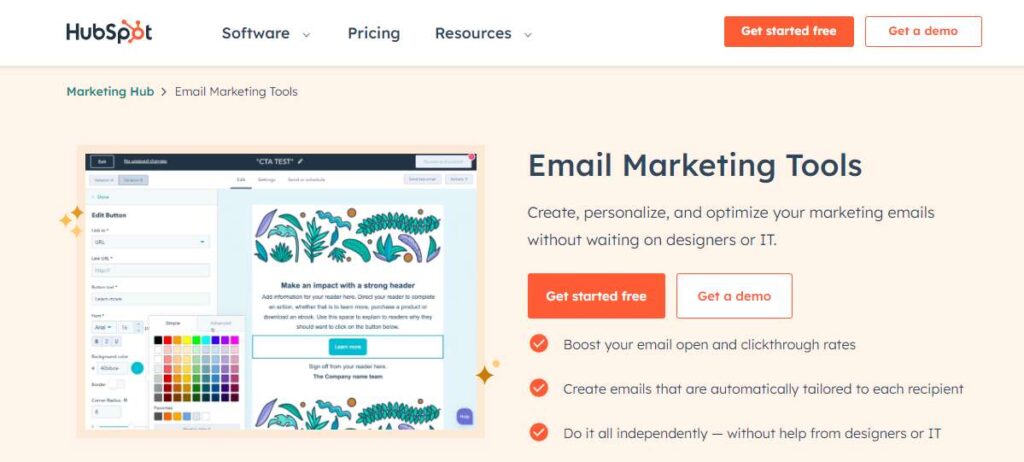
HubSpot is recommended for enterprises due to its comprehensive CRM and suite of enterprise-level features. It may be too robust if you only need to create simple newsletters, but for those seeking an all-in-one marketing automation solution, it's a great choice. HubSpot allows you to manage all customer interactions and marketing campaigns.
The platform offers various 'hubs' depending on your software needs. For email marketing and newsletters, the Marketing Hub is ideal. While higher-tier plans can be expensive, the entry-level plan is affordable even for small businesses.
HubSpot Marketing offers a suite of powerful email marketing tools designed to help businesses effectively reach and engage their audience. These tools are part of HubSpot's all-in-one marketing platform, which integrates seamlessly with CRM, analytics, and other marketing tools to streamline your marketing efforts.
HubSpot's email marketing tools allow you to create, personalise, and optimise email campaigns to target your audience effectively. You can easily design beautiful, mobile-responsive email templates using the drag-and-drop editor, and schedule emails to be sent at the optimal time.
With HubSpot, you can segment your email list by demographics, behaviour, and past interactions on your website. This feature allows you to send more relevant emails to different groups of your audience to increase your engagement and conversions.
If you are looking for a tool to engage your audience, nurture leads, and drive conversions through email marketing, HubSpot's marketing email tools offer the flexibility and scalability you need.
Key Features of HubSpot
- CRM
- Email automation
- Different software ‘hubs’
- Landing pages
- Live chat
- Analytics
- Integration with countless third-party apps
- Contact Management
- Mobile Optimization
Pricing
HubSpot provides several free tools and includes email marketing and automation in its Marketing Hub Starter plan, priced at $45 per month.
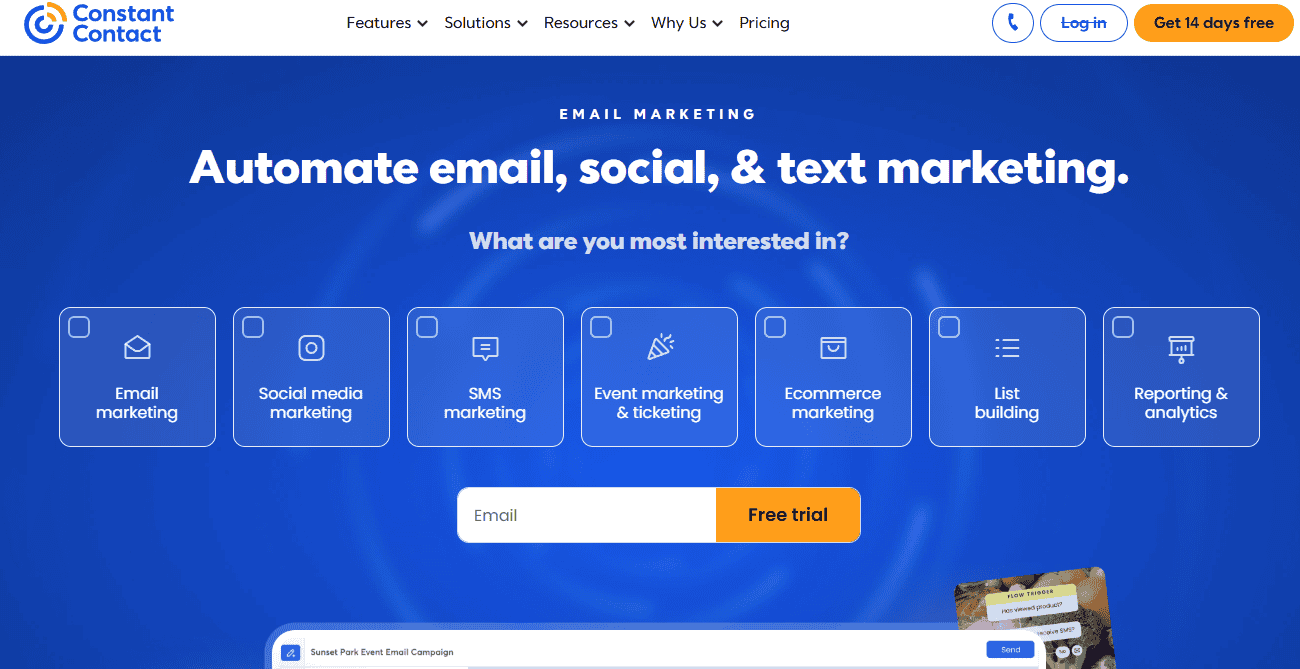
Constant Contact is a versatile digital marketing platform offering a suite of tools, including email marketing software. One standout feature is its list-building capabilities, which allow you to rapidly grow your email subscriber list using landing pages, text-to-join, Google Ads, and more.
Engage with your subscribers by sending professionally designed emails. Constant Contact provides hundreds of newsletter templates and pre-built automated email sequences for various scenarios. With a deliverability rate of 97%, you can trust that your emails will reach your subscribers' inboxes.
In addition to email marketing, Constant Contact offers social media marketing (SMM) and event management features. For events, you can use Constant Contact to create customizable registration forms, sell event tickets, send customizable email invitations and social posts, and track registrants in real time.
Key Features of Constant Contact
- Email marketing
- Email newsletter templates
- Sign-up forms
- Integration with popular marketing tools and platforms
- List building features
- SMS
- Marketing automation
- A/B testing
- Landing pages
- Event marketing
Pricing
Constant Contact Lite plan starts at $12 per month, while the premium start at $80/month. They also offer a 14 free trial for you to explore the platform's features.
GetResponse offers a comprehensive email newsletter software with additional marketing features. It provides a wide range of tools to build websites and marketing funnels. The drag-and-drop newsletter builder is user-friendly and includes a free image library for graphics and visuals.
GetResponse's unique feature is its funnel builder, which allows users to set up lead-generation funnels quickly. These funnels include lead magnets, landing pages, and follow-up email sequences to nurture leads and drive conversions. Although GetResponse initially focused on email marketing, it has evolved into a more comprehensive marketing platform.
GetResponse is a powerful and popular email marketing platform that helps businesses of all sizes create and send engaging emails to their subscribers. It is equipped with features to streamline your email marketing process and maximise the impact of your campaigns.
One of the key features of GetResponse is its drag-and-drop email editor, which lets you create stunning emails without coding. And you can choose from various templates and customise them to match your style and message.
GetResponse also offers advanced automation features, such as autoresponders and workflow builders, that let you send targeted emails to your subscribers based on their actions and preferences.
Key Features of GetResponse
- Webinars
- Landing pages
- Forms
- Free image library
- Drag-and-drop newsletter creator
- List-building tools
- Funnels
- Personalisation and segmentation
- Website Builder
- Email, SMS, and web push
Pricing
GetResponse paid plans start at $15.60 per month for 1,000 contacts and unlimited messages.
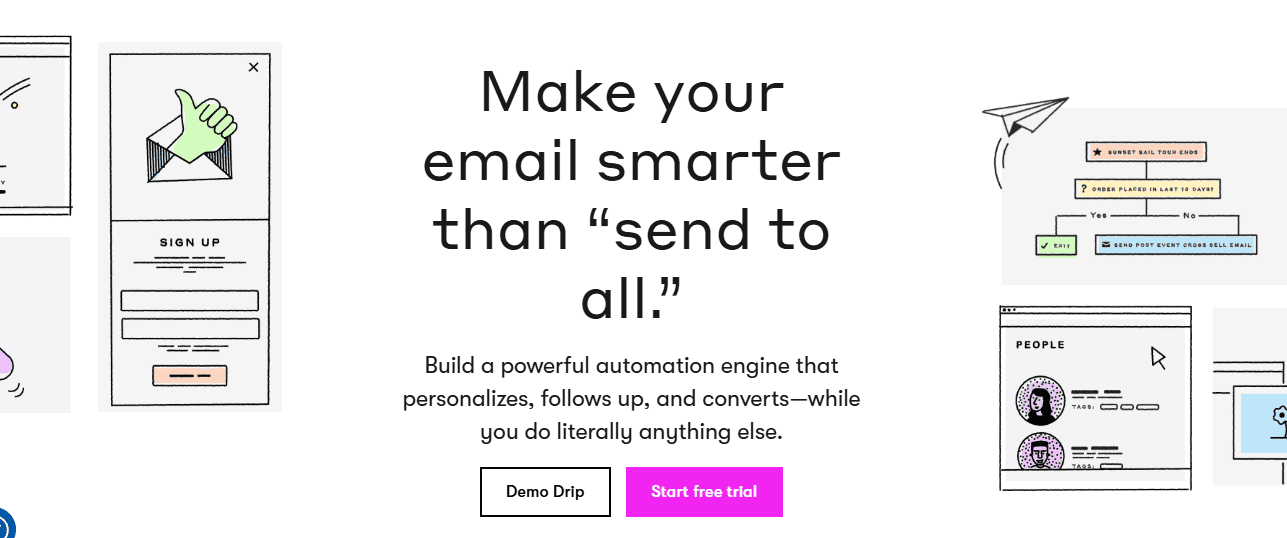
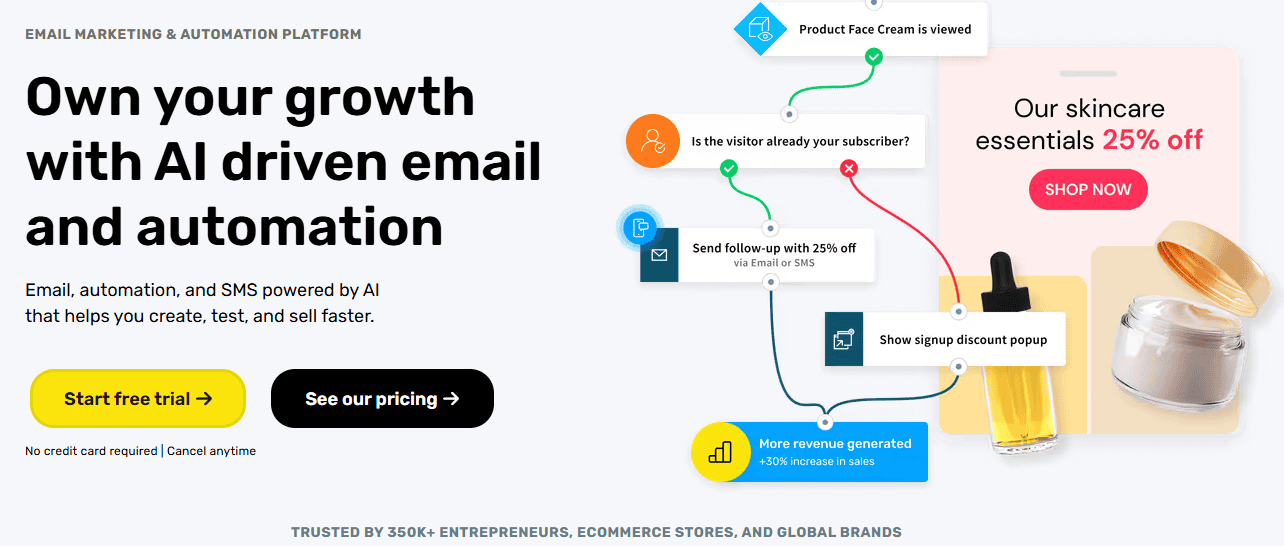
Drip is one of the best email newsletter software for businesses that need advanced automation without a steep learning curve. Marketed as an e-commerce revenue engine, Drip offers features specifically tailored for online stores but is also suitable for other businesses.
Drip's list management tools allow you to segment subscribers based on their actions, such as purchase history and viewed products. This segmentation enables targeted campaigns to drive sales, such as personalised product recommendations or exclusive discounts for loyal customers.
The email builder in Drip is user-friendly, and there are numerous e-commerce-specific templates available. The platform also offers ready-made workflows for e-commerce stores, including post-purchase emails, win-back campaigns, birthday discounts, and abandoned cart reminders.
Overall, Drip is ideal for e-commerce stores looking for a powerful email marketing service with advanced features. However, if you only require basic newsletter functionality, Drip will give more advanced features than your expectation.
Key Features of Drip
- Workflow builder
- E-commerce automations
- E-commerce templates
- Segmentation
- Visual email designer
- Forms and popups
- Analytics
- Integration with all your tech stack
Pricing
Drip plan starts at $39 per month for up to 2,500 contacts. They also offer a 14-day free trial for you to test out the platform before you commit.
AWeber is a veteran in the email newsletter platform industry, known for its top-notch newsletter templates and design tools. One unique feature is its direct integration with Canva, allowing users to create and use images seamlessly in their emails.
Like other platforms, AWeber offers essential email marketing features, including sign-up forms, a drag-and-drop email builder, automation tools, list management, dynamic content, and analytics. However, AWeber stands out with its extensive library of over 600 customizable, responsive templates, including industry-specific and promotional templates.
The Canva integration allows for easy customisation of templates, and AWeber also offers thousands of high-quality stock images for users who prefer not to create their own.
Another notable feature is AWeber's Auto Newsletters, which automates emails to inform subscribers about new blog posts, products, videos, podcasts, etc. Additionally, AWeber provides pre-built autoresponders for welcome sequences, abandoned cart emails, and order confirmations, making it easy to set up automated campaigns. AWeber's analytics tools are user-friendly and offer a comprehensive view of key metrics. The platform also includes A/B split testing to compare newsletter versions and determine the most effective ones.
Key features of AWeber
- Sign-up forms
- Auto newsletters
- Canva integration
- Lots of email templates
- A/B testing
- Stock image library
- Analytics
- List management
- Landing pages
Pricing
AWeber paid plans start from $12.50 per month when billed annually. You can also get started on a free plan for up to 500 contacts.
Omnisend is a top choice for e-commerce stores looking for email newsletter software. It allows you to design newsletters and create targeted, automated messaging campaigns. In addition to standard email features like a content editor and template library, Omnisend offers powerful SMS and web push notification tools for sending messages across multiple channels.
While Omnisend's email template library may not be as extensive as some competitors, its drag-and-drop newsletter designer compensates for this. This feature allows you to easily design your templates using pre-made blocks, ensuring your emails are tailored to your needs.
One of Omnisend's unique features is its beginner-friendly interface, making it easy for users to navigate and use. However, it's important to note that Omnisend is specifically designed for e-commerce stores, meaning you need to connect a store to use it.
Key Features of Omnisend
- Marketing automation
- Email marketing
- Content Editor
- Template library
- SMS Marketing
- Web push notifications
- Popups and forms
- Segmentation
- Reporting
- E-commerce integration
Pricing
Omnisend's free plan allows you to reach 250 contacts and send 500 emails per month. Paid plans start at $16 per month.
ActiveCampaign is the go-to choice for those seeking advanced automation functionality in their email newsletter platform. It offers a drag-and-drop email designer for creating visually appealing newsletters, but its real strength lies in its sophisticated automation capabilities.
ActiveCampaign's automation builder, powered by machine learning, is highly flexible and allows for the creation of complex workflows. This enables personalised customer experiences at every touchpoint, triggered by actions such as purchases, site visits, engagements, and data from other digital channels, such as social media and live chat.
For those who prefer not to build automation from scratch, ActiveCampaign provides a rich catalogue of pre-built templates for various scenarios, such as abandoned cart emails and welcome series. Personalisation is another key feature of ActiveCampaign.
You can target emails to different audience segments based on various factors and personalise content using Conditional Content. Additionally, depending on the plan you choose, ActiveCampaign lets you send personalised SMS messages and deliver personalised website content.
All these features are integrated into ActiveCampaign's CRM system, allowing you to track subscriber engagement, automate contact management, score leads, and manage your sales process efficiently.
Key Features of ActiveCampaign
- Drag and drop newsletter editor
- Advanced automation builder
- Pre-built automation
- Transactional emails
- Personalized content
- Landing pages
- CRM and sales automation
Pricing
ActiveCampaign's pricing starts at $49 per month, billed annually, but the cost depends on the number of contacts you have. They offer a free trial for you to explore the platform's features.
Kit (formerly ConvertKit) stands out as the top choice for content creators, such as authors, bloggers, online coaches, and podcasters. It's tailored to their specific needs, offering an intuitive interface and excellent email deliverability rates.
While the newsletter editor may be basic compared to others, it excels in simplicity and effectiveness. It may not be ideal for creating intricate HTML-based emails, but it's great for straightforward, inbox-friendly designs.
One of Kit's standout features is its automation capabilities. You can easily create simple automation using rules or a visual automation builder, eliminating the need for complex workflows. This makes managing your email campaigns a breeze.
Key Features of Kit
- Landing pages
- Sign-up forms
- Email automation
- E-commerce functionality
Pricing
Kit is free for up to 1,000 subscribers, unlimited sending, and limited features; the Creator package starts at $25/month for up to 1000 contacts.
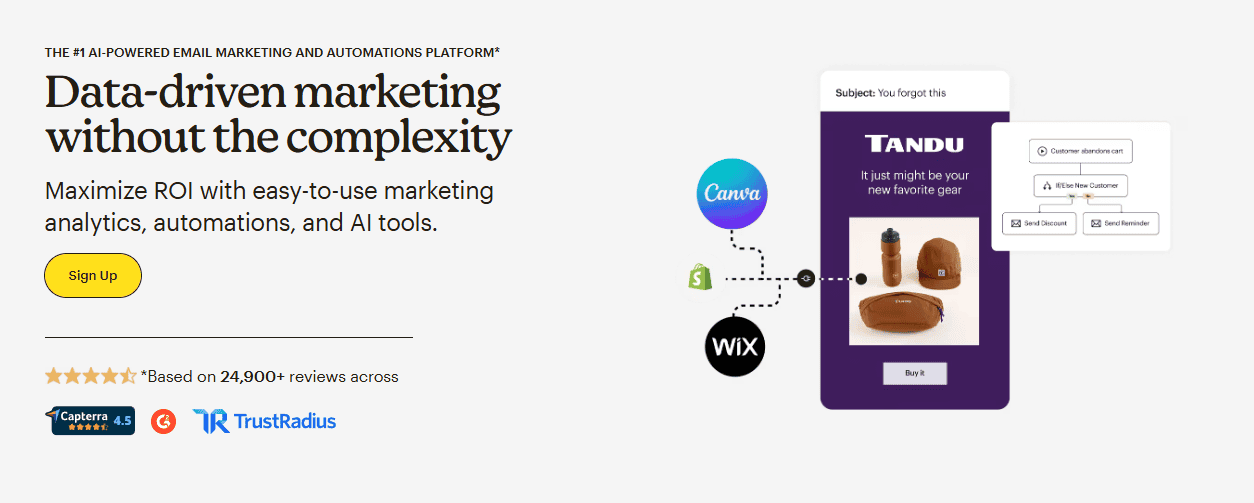
Mailchimp is known for its user-friendly interface and generous free plan. It offers a variety of creative tools, including hundreds of pre-designed email templates, a content studio for image storage and editing. This creative assistant uses AI to create on-brand designs and a subject-line helper to refine them.
The platform also provides a library of pre-built email automation templates, such as abandoned cart reminders and re-engagement emails. Other notable features include the Customer Journey Builder and predictive list segmentation. One of the key features of Mailchimp is its drag-and-drop email builder, which lets you create visually appealing, responsive emails.
This makes it easy to design emails that reflect your brand's style and message. Mailchimp also offers various automation tools, such as welcome emails, abandoned cart emails, and follow-up emails, which help businesses save time and effort by automating their email campaigns based on customer behaviour.
Another notable feature of Mailchimp is its audience management tools, which allow users to segment their audience by demographics, purchase history, and engagement levels. In addition to their email marketing tool, Mailchimp offers other features such as social media advertising, landing page creation, and postcards, making it a comprehensive marketing platform for any business.
Key Features of Mailchimp
- Email marketing
- Marketing automation
- Audience management
- Drag-and-drop email builder
- Segmentation
- Social media advertising
- Landing pages
- Postcards
- Analytics
- A/B testing
- CRM integration
- Mobile app
Pricing
Mailchimp offers a free plan, and their paid plans start from $13 per month for up to 1,500 contacts
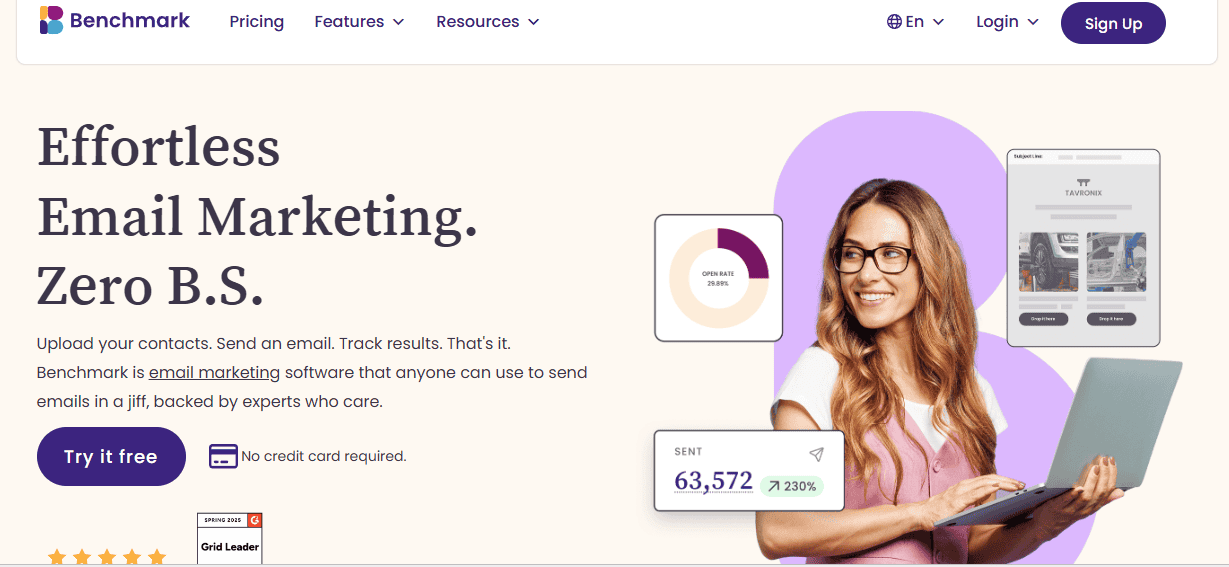
If you're searching for a reliable email marketing tool for your newsletters and campaigns, Benchmark is a go-to email marketing platform. It offers powerful yet easy-to-use automation and segmentation features, along with an intuitive editor that sets it apart from the competition.
You can start by selecting either a regular campaign or an RSS campaign. Then, choose from three editing options: the standard drag-and-drop editor, the HTML code editor, or the plain text editor. This flexibility is particularly useful for teams with multiple members working on email campaigns.
Benchmark provides over 200 professionally designed email templates to choose from. You can also start from scratch with a blank layout or edit any of your previous emails. The editor interface is user-friendly, with the design menu located on the left side, allowing you to focus on customising your email content. The landing page editor is similar to the email drag-and-drop editor, providing a seamless experience.
Segmenting your contacts is easy with Benchmark. You can use basic criteria or create custom dimensions for more detailed segmentation. Benchmark's segments are dynamic, meaning they update automatically based on subscriber activity. After sending your first email newsletter, Benchmark provides comprehensive analytics, including open rates, click-through rates, bounce rates, and unsubscribe rates. You'll also get a click map of your email content and detailed subscriber-level activity data for deeper insights.
Key Features of Benchmark
- Automation
- Segmentation
- Drag-and-drop editor
- HTML code editor
- Plain text editor
- Email templates
- Landing page editor
- Pre-built automation flows
- Dynamic segments
- Analytics
- Click map
- Subscriber-level activity data
Pricing
Benchmark offers a free plan for up to 500 contacts, 3,500 emails/month, and basic features; Pro plans start at $13/month for up to 500 contacts, 3,500 emails/month.
Email Newsletter Platforms Comparison Table
Choosing the right email newsletter platform can feel overwhelming, given the options in the market. To simplify the decision, we’ve created a quick comparison table highlighting the top platforms, their ideal users, starting prices, and key features. This snapshot allows you to quickly identify which tools may be the best fit for your business or project.
| Platform | Best for | Starting Price | Key Features |
|---|---|---|---|
| Mailerlite | Bloggers, small businesses, creators | Free plan (up to 500 subscribers) | Drag-and-drop editor, automation workflows, |
| Moosend | Businesses wanting AI-assisted campaigns | Free plan (up to 1,000 subscribers) | AI subject line generator, automation, personalisation |
| Brevo | Businesses wanting multi-channel campaigns | Free plan (300 emails/day) | SMS, email automation, transactional emails |
| HubSpot | All-in-one marketing & CRM | Free plan available | Built-in CRM, automation, workflow builder |
| Constant Contact | Small businesses, nonprofits | $12/month | Automation, templates, event promotion |
| Get Response | Marketers and businesses | $19/month | Automation, landing pages, webinar hosting, analytics |
| Drip | Ecommerce marketers | From $39/month | Advanced automation, ecommerce, CRM, |
| Aweber | Small businesses and solopreneurs | Free plan (up to 500 subscribers) | Drag-and-drop editor, automation, split testing |
| Omnisend | Advanced marketers, e-commerce | Free plan available | E-commerce businesses |
| Active Campaign | E-commerce marketers | $29/month | Automation, CRM integration, segmentation |
| Kit | Creators, bloggers, online educators | Free plan (up to 1,000 subscribers) | Subscriber tagging, automation, & landing pages |
| MailChimp | E-commerce marketers | Free plan (up to 500 contacts) | Templates, automation, analytics, A/B testing |
| Benchmark | Beginners and small teams | Free plan (up to 500 subscribers) | Drag-and-drop editor, automation, landing pages |
How to Choose the Right Email Newsletter Platform
A good email newsletter platform should make it easy to create, send, and manage email campaigns without turning the process into a technical headache. If you send newsletters regularly, whether weekly updates, product announcements, or curated content, you need a platform that goes beyond basic email sending. The right tool should help you organise your subscribers, automate campaigns, track performance, and grow your audience over time.
Instead of manually sending messages or tracking results in spreadsheets, the platform should handle the heavy lifting, while you focus on creating great content. But with so many email newsletter tools on the market, you need to know the features that matter.
Here are the key features to look for when choosing an email newsletter platform:
- Easy-to-Use Editor
Look for an email newsletter platform with a user-friendly editor that allows you to create visually appealing emails by simply dragging and dropping elements like text boxes, images, and buttons. The drag-and-drop feature enables you to design professional-looking emails quickly and easily.
- Template Library
A diverse collection of customisable email templates can save you time and effort when designing your campaigns. A good email newsletter template should be responsive and adaptable to different screen sizes, ensuring your emails look great on both desktop and mobile devices.
- Automation
Automation allows you to set up email sequences that are triggered by subscriber actions or specific dates. An email newsletter should give you the ability to set up automated email sequences based on triggers such as subscriber actions or specific dates. For example, you should be able to automatically send a welcome email to new subscribers or a series of emails to nurture leads. Automation can save you time and help you deliver more targeted and timely messages to your audience.
- List Management
Effective list management tools are crucial for maintaining a healthy subscriber list. Look for features like segmentation, which allows you to group subscribers based on criteria such as interests or engagement levels, and cleaning, which helps you remove inactive or invalid email addresses to improve deliverability. Tools to manage your subscriber lists, including segmentation, tagging, and cleaning to maintain list hygiene.
- Analytics
Detailed analytics provide insights into how your campaigns are performing. A good email newsletter platform should include key metrics to monitor how your emails perform, such as open rates, click-through rates, and conversion rates. Analytics can help you identify what's working well and where there's room for improvement in your email marketing strategy.
- A/B Testing
A/B testing, also known as split testing, allows you to experiment with different elements of your emails to see what resonates best with your audience. You should be able to test different subject lines, email content, or send times to determine the most effective approach for your campaigns.
- Integration
Integration with other tools and platforms, such as CRM systems, e-commerce platforms, and social media networks, allows you to streamline your workflow and create more personalised and targeted campaigns. Look for a platform that offers seamless integration with the tools you're using or your existing tech stack.
- Scalability
As your subscriber list grows, you'll need a platform that can scale with your needs. Look for a platform that offers scalable pricing plans and can accommodate larger lists without compromising performance.
- Affordability
Affordability is an important consideration when choosing an email newsletter platform. Look for a platform that offers pricing plans that fit your budget while still providing the features and services you need to run effective email campaigns.
Frequently Asked Questions (FAQs)
Before we wrap up, here are answers to some common questions about email newsletter platforms.
What is the best email newsletter platform for beginners?
Are email newsletters still effective?
Can I send newsletters for free?
What is the difference between an email newsletter and email marketing?
Final Thoughts
Choosing the right email newsletter platform can significantly impact the success of your email marketing. The tool you select should align with your goals, budget, and the size of your subscriber list.
Look for a platform that simplifies creating attractive emails, managing subscribers, automating campaigns, and tracking results. Features such as a drag-and-drop editor, pre-designed templates, automation workflows, robust analytics, and integrations with other tools can save time and improve your marketing outcomes.
It’s also wise to choose an email newsletter platform known for strong email deliverability, reliable customer support, and compliance with email regulations. These factors help ensure your newsletters reach subscribers’ inboxes rather than getting lost in spam folders.
If you’re unsure where to start, here are three strong options to consider:
MailerLite is ideal for bloggers, creators, and small businesses. It offers an intuitive drag-and-drop editor, automation workflows, segmentation, tagging, and personalisation tools that enable more targeted campaigns.
Moosend stands out with its AI-powered subject line generator, which can help you craft subject lines that boost open rates and provide suggestions to optimise email performance.
HubSpot is good for businesses that need an all-in-one marketing platform. Its email marketing tools integrate seamlessly with CRM, automation, and analytics features, making it easier to manage leads and engage customers from a single platform.
Above all, the best email newsletter platform is the one that helps you build lasting relationships with your audience and grow your business through consistent, effective communication.

0 Comments